 Baby Suite
You swipe, your partner swipes, and when you both say yes the confetti flies: "It's a match!" A calm little game that ends with a name you both love. Free forever, no ads.
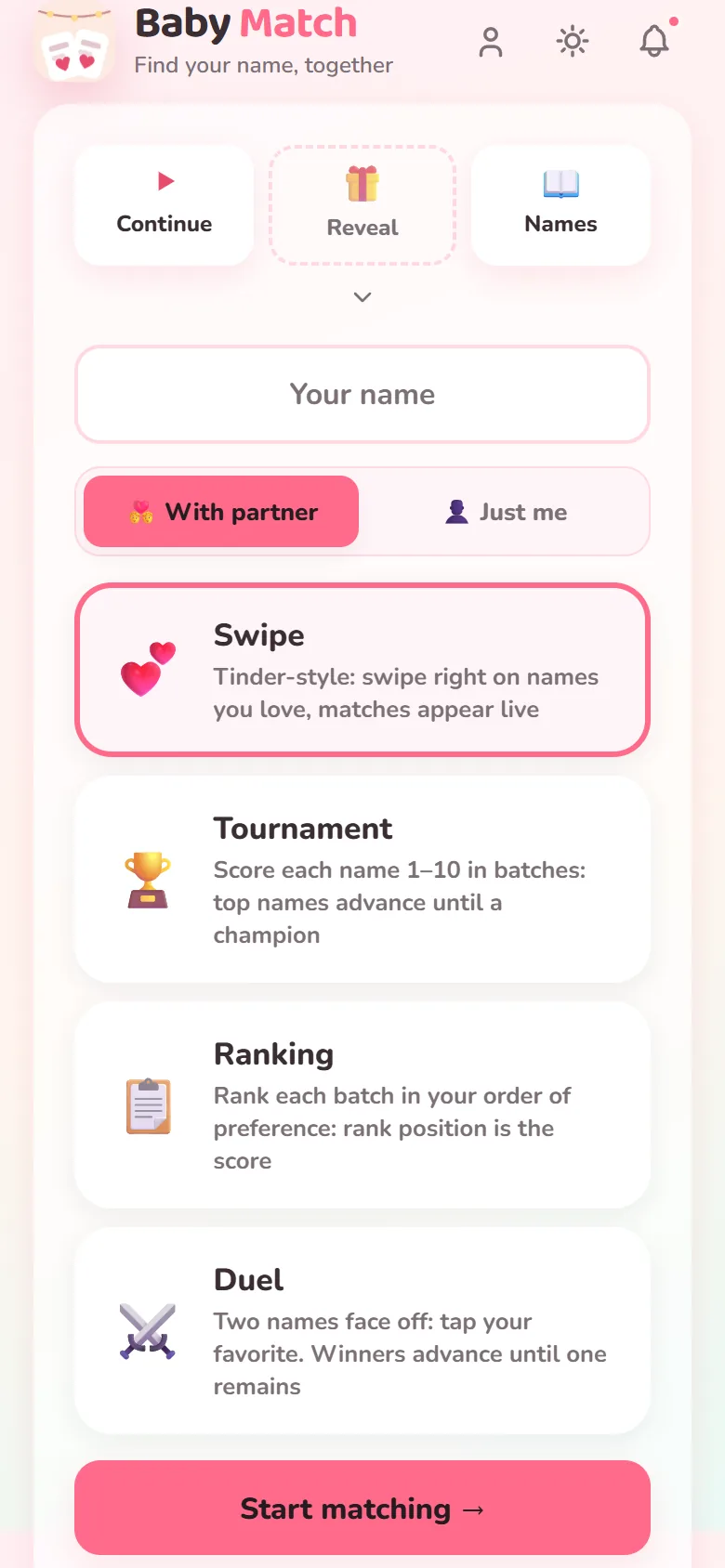
You and your partner vote on the same names from your own phones. Agreement is a full-screen celebration; disagreement just moves on to the next card - no debate required.
Two hard "no" vetoes each. The name of an ex, the name of the neighbour's dog - dealbreakers stay protected, and the game stays fair and calm.
Out of names? Generate a new batch tuned to origin, language and the vibe you're after - then try the full name on with your surname, with meanings alongside, before you commit.
Baby Match remembers the names you have been through, and how each of you judged them. Look back on the one you both liked in week three, star the keepers, and find your shortlist again on any phone you sign in on.
Your taste, drawn from your own games: whether you lean short or long, which origins keep winning you over, and how often the two of you actually agree. When a shortlist refuses to settle itself, put your favourites head to head and let one win.
Keep the winner secret, share a link, and let family and friends guess the name. When the moment comes, reveal it to everyone together - no spoilers before you're ready.
Baby Match is free forever - it's the front door to Baby Suite, where Baby Journeys guides the bump weeks and Baby Nest keeps mum's pregnancy diary before taking over the 3am feeds, all on one family account. How the suite's pricing works →
Yes, completely and permanently, with no ads. It's part of Baby Suite, and it stays free whether or not you ever use the paid parts of the suite.
No install needed. Baby Match runs in the browser on any phone, iPhone included, and you can add it to your home screen if you want an icon for it. There's an Android app on Google Play if you prefer one, and your game syncs either way.
Yes. Choose "Just me" when you set the game up and the whole thing works solo: no invite, nobody to wait for, same modes. Plenty of people use it to think first and share a shortlist afterwards.
One of you starts a game and shares an invite; you each swipe the same set of names on your own phone. When you've both said yes to the same name it's a match, and it lands on your shared shortlist.
Each round is generated for you. You set gender, origin, language, name length and how many names you want, and an AI (Google's Gemini) writes a fresh list of real, actually-used names with their origin and meaning. If it's slow or you're offline, a curated built-in list of about 120 names steps in so the game still starts. Because the list is made per round, no two sessions look the same.
You choose: 20, 40, 60, 80 or 100 in a round. Forty is the default and takes most couples about five minutes.
Yes. Type your surname when you set the game up and every card shows the full name, first and last together, which is the version you'll actually be saying out loud for the next eighteen years. It doesn't check the name against siblings' names yet.
That's what vetoes are for: in the ranking round you each get two hard "no"s that knock a name out of the game entirely. Everything else you can simply swipe left on.
No. The list is fixed when the round starts, so you are both swiping the same names in the same order. Starting a fresh round with different settings takes about twenty seconds, and your earlier sessions stay on the home screen with their winners.
Yes. Every name you swipe, score or rank is kept, along with how each of you judged it, so you can go back to a name you liked weeks ago instead of hoping it comes round again. This works without an account, on the phone you played on.
Star any name to keep it. Favourites need a free account so they survive a new phone, and once you have four you can put them head to head in a duel to settle the shortlist.
As often as you like. Nothing is charged, there is no limit on how many games you play, and every result you save keeps its shortlist.
Yes: share the guessing link and everyone can submit a guess before the birth. When you're ready, reveal the name to all of them at once.
Only the two of you. The guessing link shows a shuffled list of candidates that you choose - the real name plus a few decoys - and never your swipes, your vetoes or your actual shortlist. The address is long and unguessable, it isn't listed anywhere, and either parent can delete the reveal page, guesses included, at any point.
The winner sits on your result screen with a share card you can save, plus the reveal page if you're using one. It doesn't yet carry the name across into Baby Journeys or Baby Nest; you type it once when you set those up.
No and no. No ads ever, in any of the three apps, and it's in our Terms rather than only on a homepage. We don't sell data and we don't run third-party ad trackers. Games are stored in the EU.
When you play together, your own record of that game keeps how your partner judged each name, labelled with the first name they typed when they joined. It is the same thing you both saw live while you were playing, and it is never shown to anyone else. Deleting your account removes it from your account and from this device at once, and clearing your browser or app data removes the copy here. The shared game room holds the same answers until it clears itself, 30 days after the game was made.
A game room clears itself 30 days after it was made, and a reveal page 180 days after it was created, so you don't have to remember to tidy up. The names you judged are kept separately, which is what makes your name history work: the device you played on keeps your 30 most recent games and clears out anything older than 90 days as you play, and if you sign in they are kept on your account until you delete it. Before then, either parent can delete a reveal outright, and deleting your account takes everything tied to it with it.
Nothing matched that. Email us and a real person answers.
Baby Match is one of three apps on one family account:
Psst, I'm Bee, the Baby Suite AI assistant. Want me to keep you company while you look around?